1
Detection
We pick up the new review within minutes of it being posted to your Google Business Profile.

No software to install. No training. No ongoing work. Here is exactly what happens.
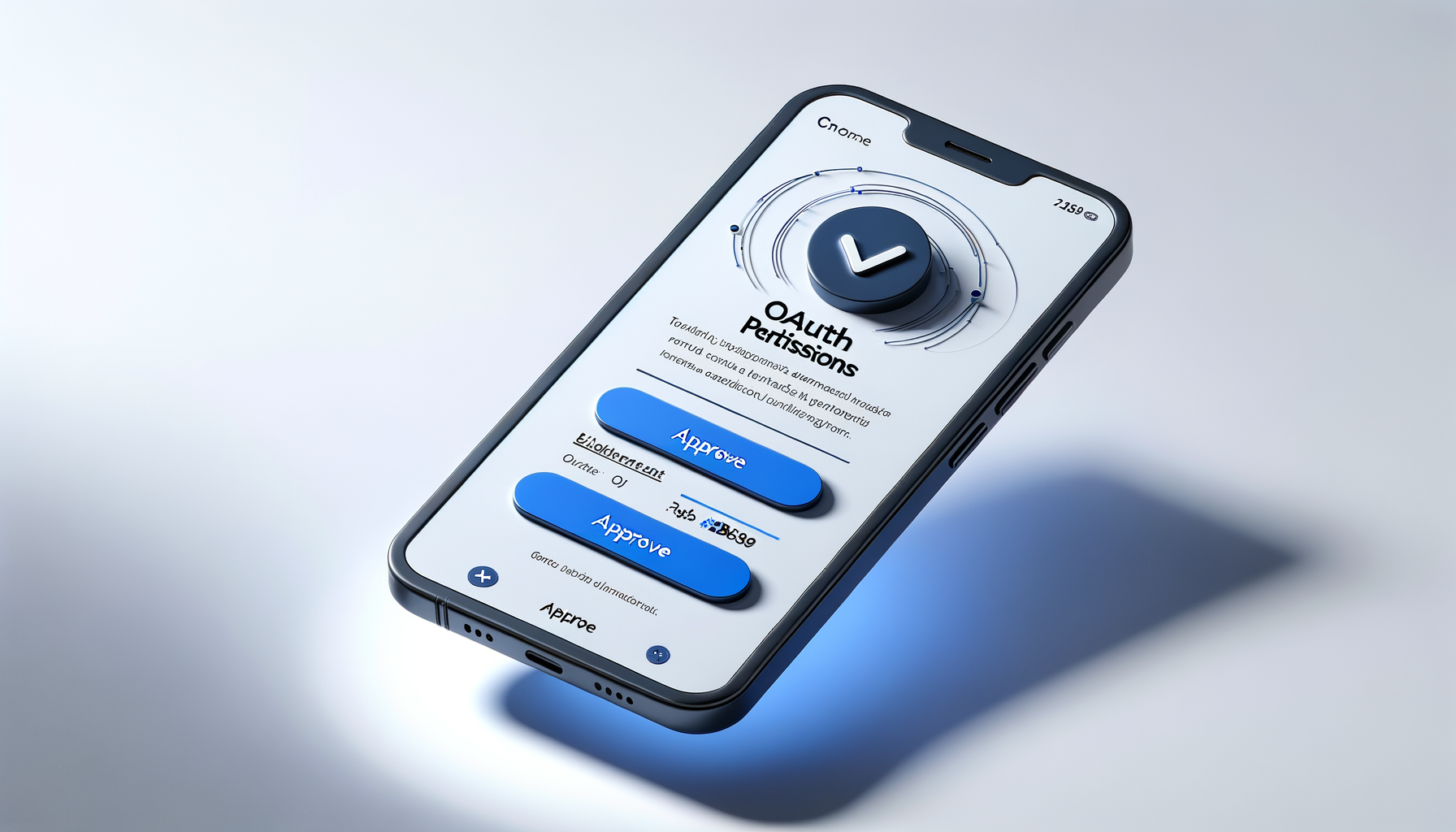
After signing up, you receive an email with one link. Click it and you see a standard Google permissions screen — the same kind you see when signing into any app with Google.
Tap Approve. That is the entire technical setup. No passwords to share, no API keys to configure, no IT department needed. If you can click a button, you can do this.
Pick one of four tone profiles:
Want an even closer match? Paste 2–3 review responses you have written in the past. The AI studies your word choices, sentence length, and style — then mirrors them in every response it writes.

Monitoring starts the moment you connect. Your Google Business Profile is checked continuously — when a new review appears, we detect it within minutes.
That is the last thing you do. From this point on, every review that comes in gets handled automatically. You can check in whenever you want, but you never have to.
Every review follows the same process, every time.
We pick up the new review within minutes of it being posted to your Google Business Profile.
AI reads the full review, identifies sentiment, and picks out specific details the reviewer mentioned.
A unique response is written in your voice. It references specifics from the review. Never more than 150 words.
After a randomized 5–30 minute delay, the response is posted via the official Google API.
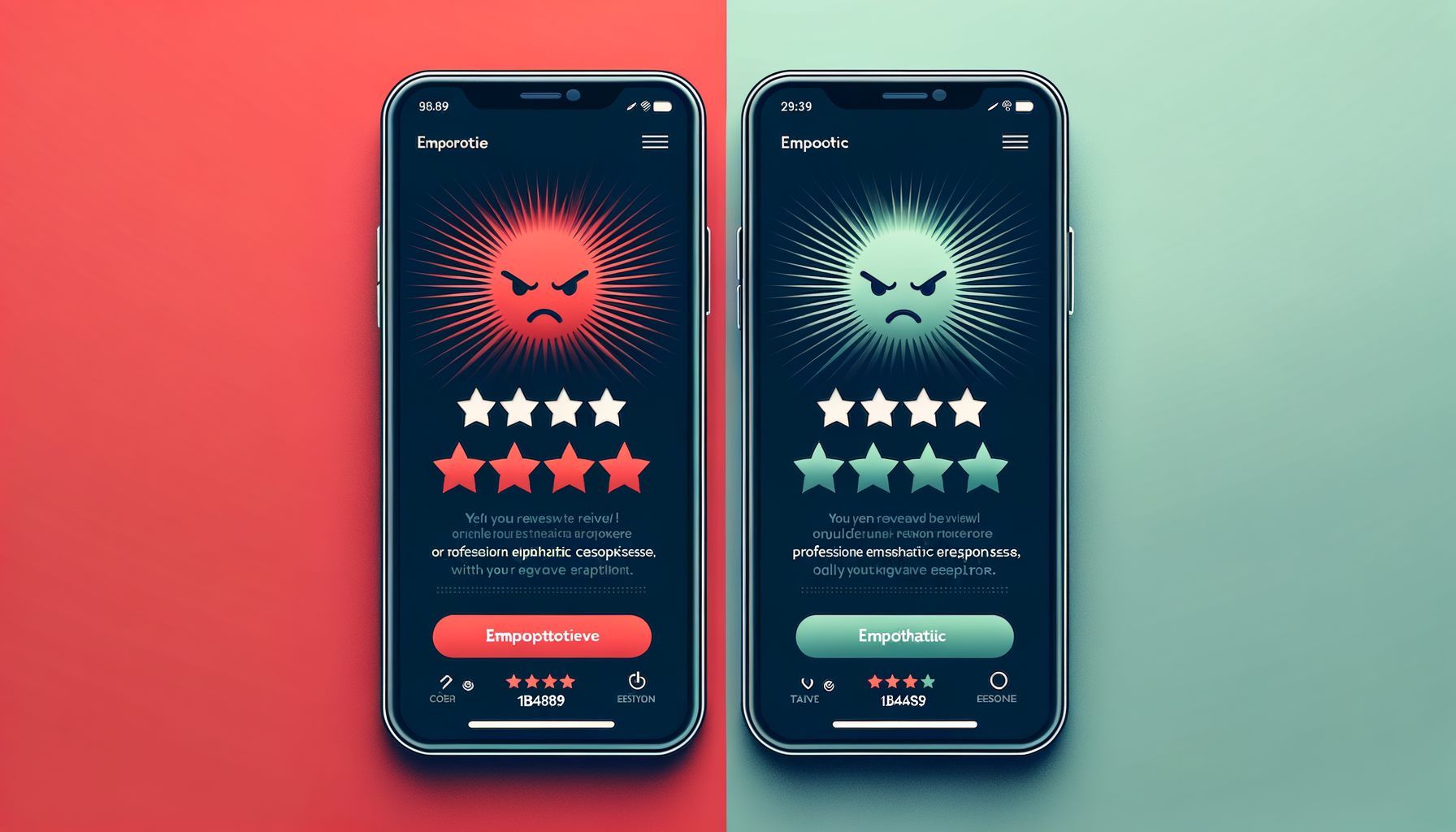
Positive reviews are straightforward — warm gratitude, specific acknowledgment, an invitation to come back.
Negative reviews require more nuance. RepliedBy reads the complaint carefully, acknowledges it without being defensive, and offers to make it right. The tone is empathetic and constructive — exactly how a thoughtful owner would respond.
If you prefer to handle negative reviews personally, turn on approval mode and nothing posts without your sign-off.

You receive an email with four things:
This is not generic business advice. It is based on what your actual customers said in the last 7 days.
2 minutes to set up. Zero effort after that. Every review answered, every time, in your voice. $99/month.